i have no clue about computers either, but when someone teaches me, i can do a lot (of the same thing) hehehhee,
you first have to see what you want "saved" on the monitor.
then hit the "pring screen" button, normally at the top right-ish of the key board.
but THEN go to paint, and follow my older instructions. i can find that if you need.
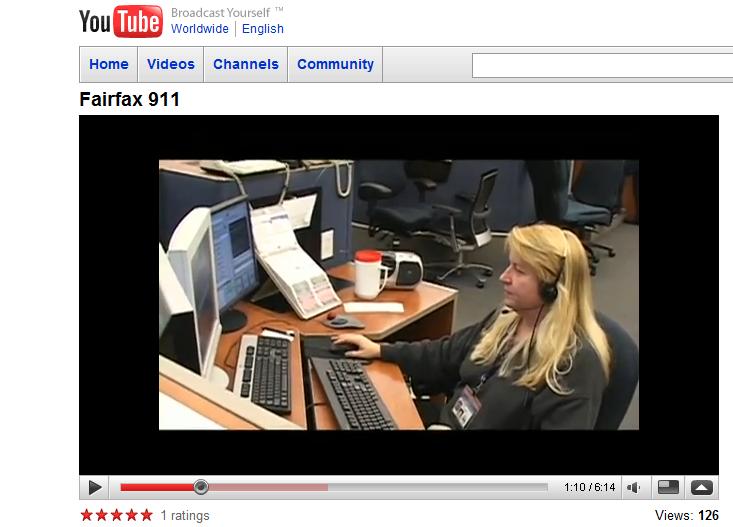
this is me taking 911 calls recently and look at all the mice and computers.. there is a 3rd one whos keyboard and mouse are not seen to my left. and here is the link to the story they did, and i simply paused it, and did the screen shot. its a very cool thing to be able to do.
they are now in a huge massive new building just a few days back. so, dont feel bad for them.
since its that time of year, here is a little harley pooch i saw in sc on our trip, in his outfit, and i think he is even smiling!!


 Market Data
  Markets


 AI
AI